15 Essential Wix Studio Features All Designers Must Explore
- Jun 3
- 4 min read
Building a website can feel overwhelming, especially when you want a professional look without spending months learning complex tools. Wix Studio offers a powerful yet user-friendly platform tailored for designers who want to create stunning websites quickly. If you’re a small business owner building your own site or a designer looking to expand your toolkit, understanding what are the best Wix Studio features can make a big difference. This post breaks down 15 key Wix Studio features for web designers, showing you how to use Wix Studio effectively to build responsive, engaging websites.
1. Drag-and-Drop Editor with Precision Controls

Wix Studio’s drag-and-drop editor lets you place elements exactly where you want them. Unlike basic editors, it offers precision controls for spacing, alignment, and layering. This means you can create clean, balanced layouts without guessing.
Key Capabilities
Pixel-perfect positioning
Flexbox controls
CSS Grid layouts
Section stacks
Layer management
Padding controls
Margin controls
Alignment tools
Responsive docking
Advanced spacing controls
2. Advanced Wix Studio Features for Responsive Website Design

Responsive design is crucial. Wix Studio automatically adjusts your site to look great on phones, tablets, and desktops. You can preview and customize how each page appears on different devices, ensuring a seamless experience for all visitors.
Key Capabilities
Responsive AI
Custom breakpoints
Mobile optimization
Tablet optimization
Device previews
Responsive behaviors
Auto layout adjustments
Screen size adaptation
Flexible scaling
Breakpoint-specific editing
3. Built-in Design Systems and Style Guides

Wix Studio features design systems that help maintain consistency across your site. You can set global colors, fonts, and button styles. This saves time and keeps your branding uniform, which is especially useful for agencies managing multiple projects.
Key Capabilities
Global color styles
Typography systems
Reusable components
Design tokens
Shared assets
Brand consistency
Global styling
Component synchronization
Style inheritance
Design libraries
4. Customizable Animations and Interactions

Adding subtle animations can make your site feel dynamic. Wix Studio offers easy-to-apply animations and interactive effects that enhance user engagement without slowing down your site.
Key Capabilities
Scroll animations
Entrance animations
Hover effects
Reveal effects
Interactive states
Micro-interactions
Motion presets
Trigger-based animations
Page transitions
Visual effects
5. Integrated Media Management
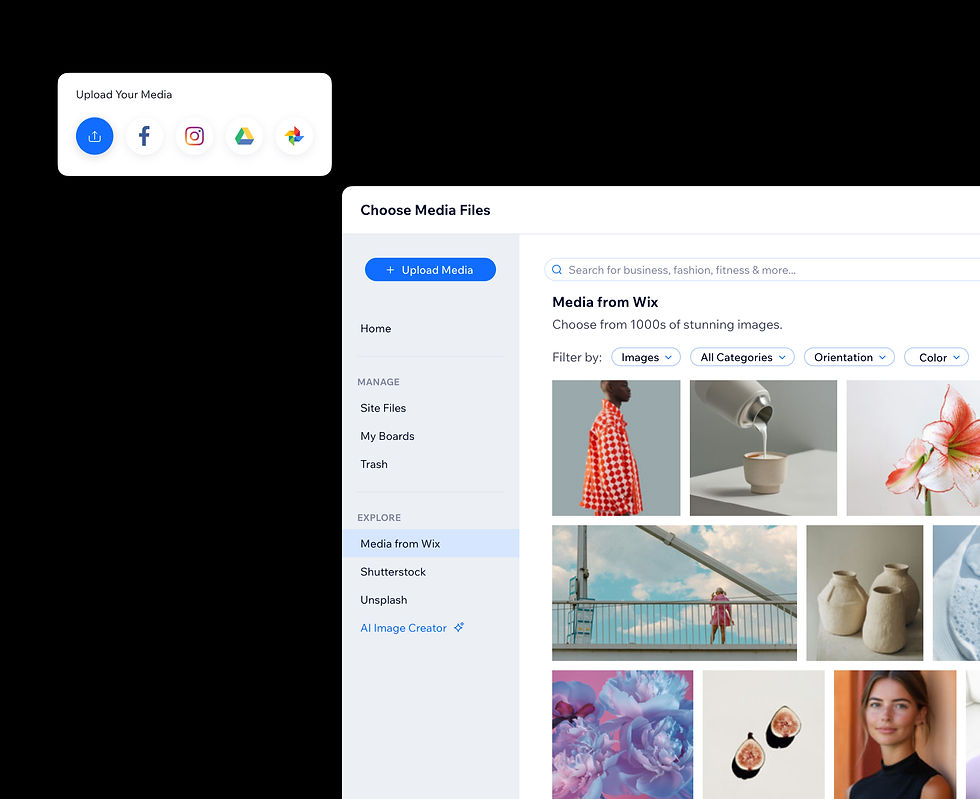
Managing images, videos, and other media is simple with Wix Studio. You can upload, organize, and edit media files directly within the platform, streamlining your workflow and keeping assets ready to use.
Key Capabilities
Media library
Image uploads
Video uploads
Asset organization
Image optimization
Asset reuse
Media search
Content categorization
File management
Shared assets
6. SEO Tools Built for Designers
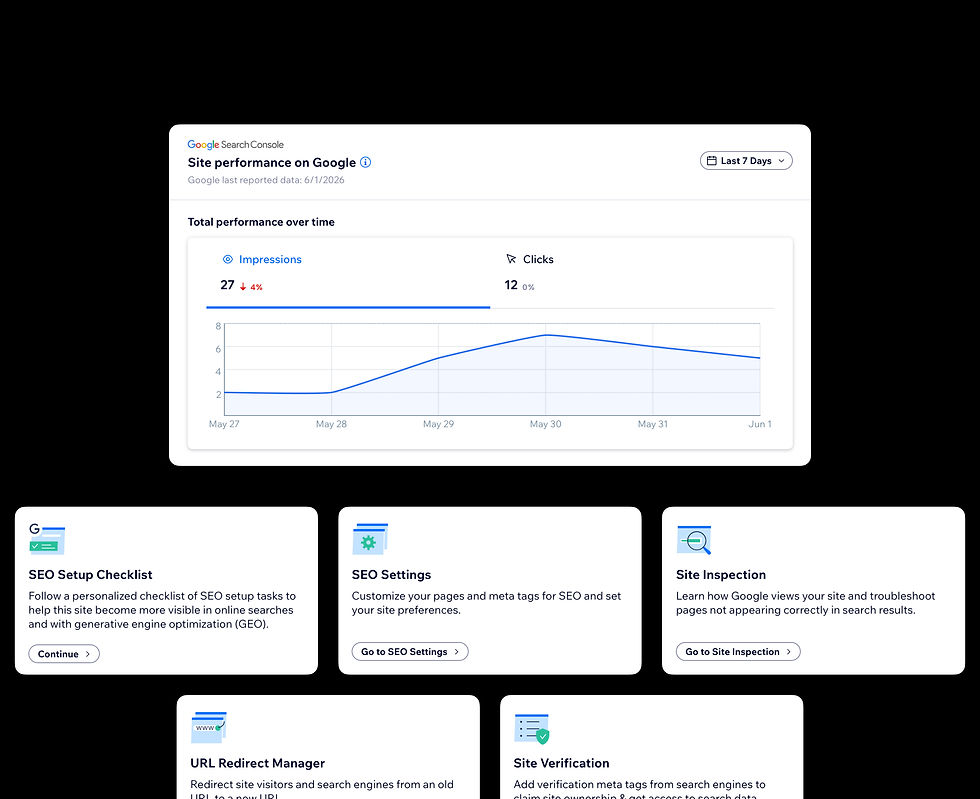
Wix Studio includes SEO features that help your site rank better on search engines. You can edit meta tags, alt text, and URLs without leaving the editor. This means better visibility without needing a separate SEO tool.
Key Capabilities
Meta title editing
Meta description editing
URL customization
Alt text management
Structured data support
Canonical tags
SEO assistant
Sitemap generation
Google indexing tools
SEO settings templates
7. Collaboration Features for Teams and Agencies
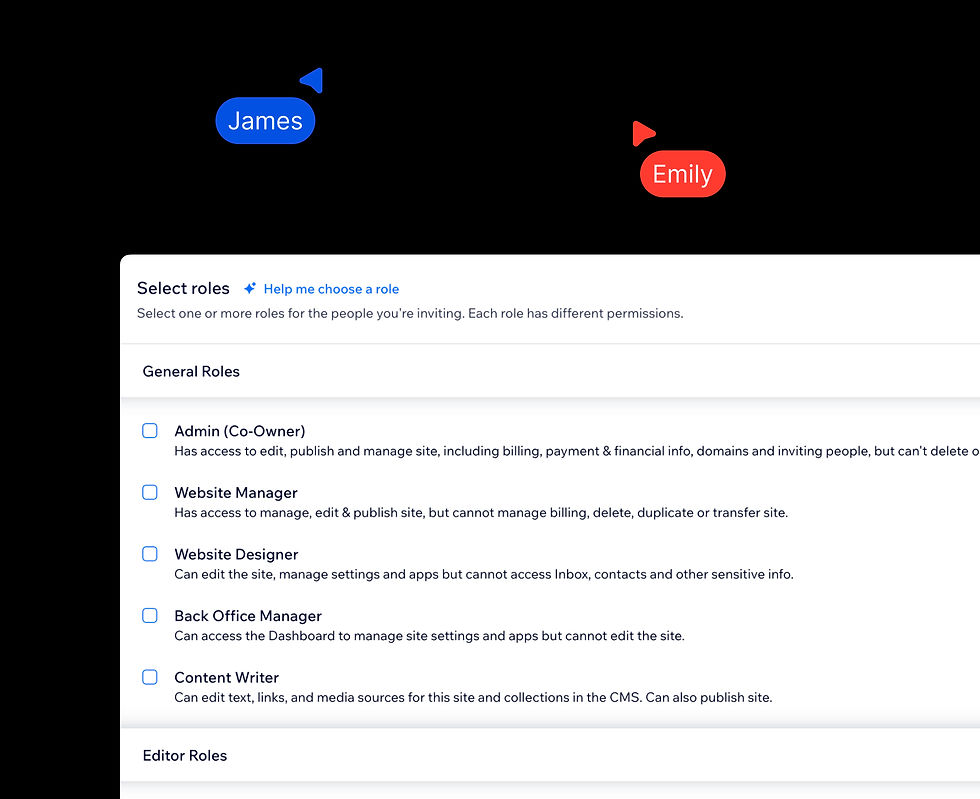
For designers working with clients or teams, Wix Studio supports collaboration. You can share drafts, get feedback, and manage permissions, making it easier to deliver polished projects on time.
Key Capabilities
Team collaboration
Role permissions
Commenting system
Shared workspaces
Client feedback
Project management
Content approval workflows
Site sharing
Team access controls
Multi-user editing
8. Wix Studio Development Features for Custom Code

If you want to add custom functionality, Wix Studio supports adding your own code snippets. This flexibility lets you extend your site beyond templates, perfect for designers who want more control.
Key Capabilities
Custom JavaScript
Velo development
API integrations
Database collections
Backend functions
Custom CSS
External services integration
Dynamic content connections
Webhooks
Custom business logic
9. Pre-built Layouts and Sections

Wix Studio offers a library of pre-built layouts and sections that you can customize. This speeds up the design process and helps you start with a solid foundation.
Key Capabilities
Website templates
Wireframe kits
Section libraries
Landing page layouts
Hero sections
Service sections
Portfolio layouts
Pre-designed blocks
Reusable layouts
Template customization
10. Form Builder with Advanced Options

Collecting customer information is easy with Wix Studio’s form builder. You can create contact forms, surveys, and booking forms with customizable fields and automated responses.
Key Capabilities
Contact forms
Lead capture forms
Booking forms
Survey forms
Custom fields
Conditional logic
Email notifications
Automated responses
CRM integration
Form analytics
11. E-commerce Integration
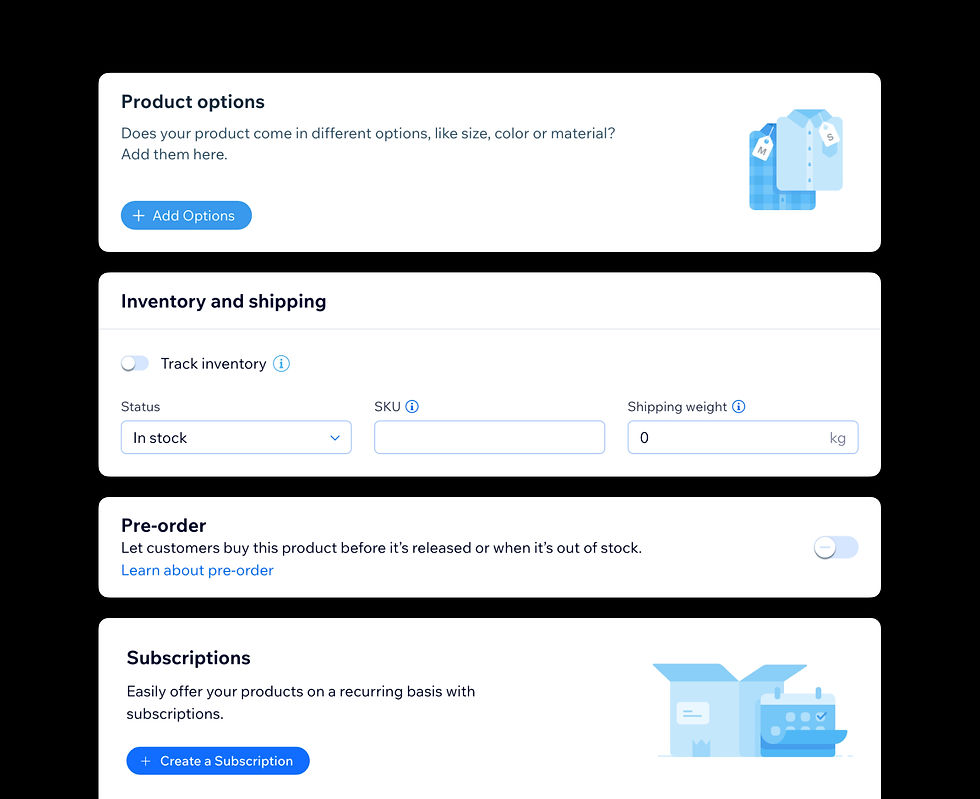
For small businesses selling products or services, Wix Studio includes e-commerce tools. You can set up product pages, payment options, and manage orders without needing a separate platform.
Key Capabilities
Product management
Product pages
Shopping cart
Checkout system
Payment gateways
Order management
Inventory management
Subscription products
Discount codes
Customer accounts
12. Multi-language Support

If your audience speaks different languages, Wix Studio lets you create multilingual sites. This feature broadens your reach and improves user experience for diverse visitors.
Key Capabilities
Language switching
Multilingual pages
Content translation
SEO localization
Localized URLs
Global audience targeting
Language management
Regional customization
International SEO
Translation workflows
13. Analytics and Performance Tracking

Understanding how visitors interact with your site is key. Wix Studio integrates analytics tools that provide insights into traffic, user behavior, and site performance, helping you make informed improvements.
Key Capabilities
Traffic analytics
Visitor insights
Conversion tracking
Sales reporting
Behavior tracking
SEO performance
Custom reports
Scheduled reports
Data exports
Performance dashboards
14. Secure Hosting and SSL Certificates
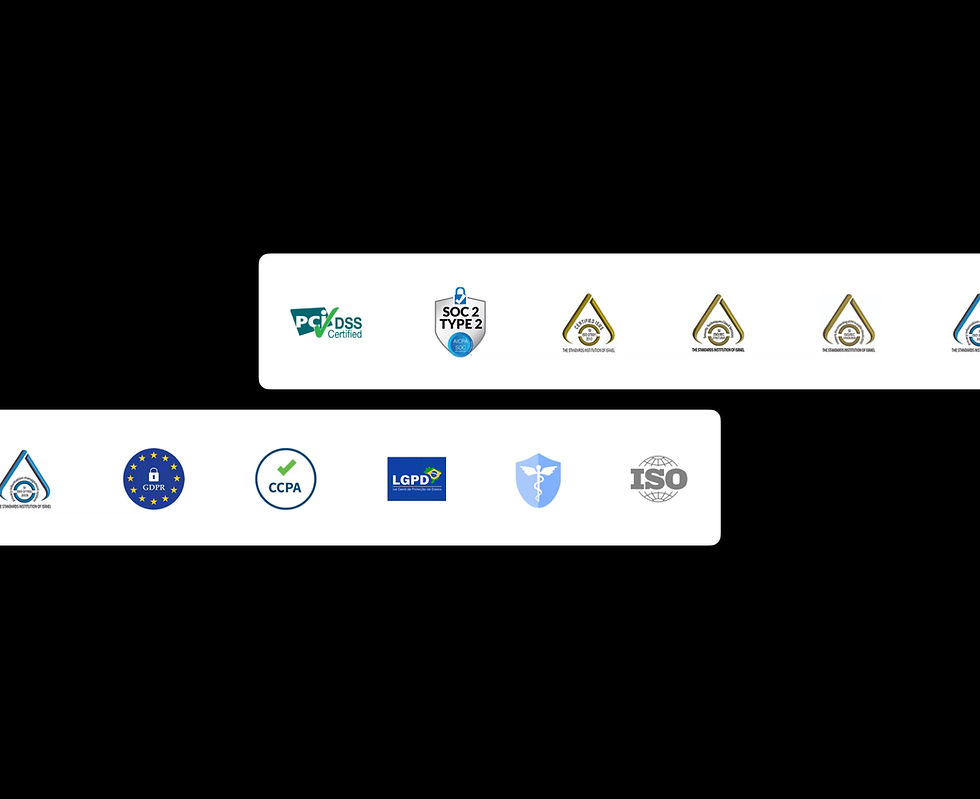
Wix Studio handles hosting and security, including free SSL certificates. This means your site loads quickly and safely, which builds trust with visitors and improves search rankings.
Key Capabilities
SSL certificates
Secure hosting
Global CDN
DDoS protection
Automatic backups
Automatic updates
HTTPS encryption
Security monitoring
High uptime infrastructure
Disaster recovery
15. Wix Studio for Agencies with Client Management Tools

Agencies benefit from Wix Studio’s client management features. You can manage multiple client sites from one dashboard, streamline billing, and offer ongoing support efficiently.
Key Capabilities
Multi-site dashboard
Client workspaces
Client handoff tools
Content Mode
Client permissions
Automated reports
Revenue sharing programs
Billing management
Team management
Website portfolio management
Exploring these Wix Studio features for web designers shows why many choose this platform to build professional, responsive websites. Whether you’re a small business owner or part of an agency, knowing how to use Wix Studio effectively will save you time and improve your site’s quality. Start by experimenting with the drag-and-drop editor and responsive design tools, then explore advanced features like custom code and collaboration options. Your website can look great and work well without complicated setups.


Comments